Wi-Fi 6E vs Wi-Fi 7 access points for enterprise projects: what to stock
The generation question is really three questions — spectrum, power and the switching underneath. Here is how the choice plays out on real project lists, with the UniFi U7 family as the current reference point.
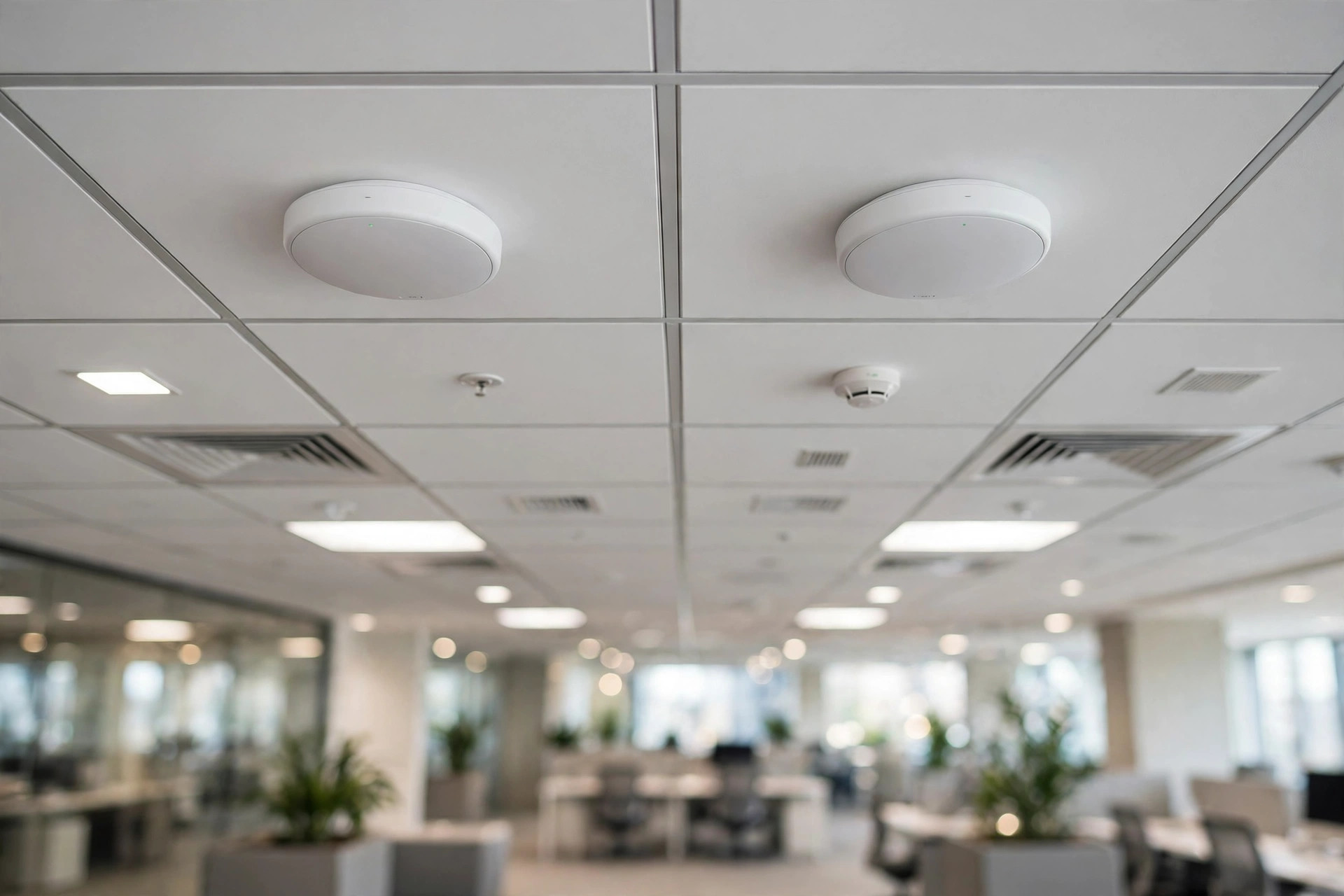
The question behind the question
Buyers ask '6E or 7?' as if it were a specification question. It usually isn't. It's a refresh-cycle question wearing a specification costume: how long will this estate stay in place, what clients will actually connect to it, and does the wired network underneath stand a chance of feeding it? Answer those three and the generation mostly picks itself.
Wi-Fi 7 kit — the UniFi U7 family is the line buyers ask this desk about most: U7 Lite, U7 Pro, U7 Pro XG, U7 Outdoor — is genuinely good. That was never the issue. The issue is whether the building it's going into can tell the difference.
Where Wi-Fi 7 earns its keep
Density. A lecture hall, a conference floor, a stadium concourse — anywhere a few hundred clients share airtime in one space, the wider channels and multi-link operation stop being brochure features and start being the difference between a network that copes and one that merely exists. The Pro and Pro XG class exists for exactly those rooms.
The Lite class is the honest workhorse: corridors, small offices, hotel rooms, the long tail of spaces where one AP serves a handful of people and the fanciest radio in the building would be wasted. A sensible estate buys both, in proportion, and resists the urge to standardise on the impressive one.
The switching nobody budgets for
Here is the part that bites. A Wi-Fi 7 access point wants a multi-gig port and a healthy PoE budget. The access switches in most buildings offer neither — they were bought for the previous wireless generation, and they were bought well. So the wireless refresh quietly becomes a switching refresh, and the project that was priced as 'forty access points' turns into forty access points, six switches, and a conversation about budget that nobody scheduled.
Price them together or don't price them at all. An AP list quoted without the switching underneath it is a number waiting to be revised.
There is a softer version of the same trap in licencing and management: a new AP generation enrolled into an old management arrangement, with the licence count carried over from the previous estate as if radios were interchangeable. They are not, quite. State the AP count and the management model the design assumes, and let the quotation reconcile the two — it is cheaper to reconcile on paper than on a ceiling.
And 6E? Still the value play
Wi-Fi 6E estates are not obsolete; they're discounted. For offices with ordinary density, schools outside the exam hall, warehouses with scanners and handhelds — the 6E ranges from Aruba, Ruckus, Huawei and Cisco do the work at a friendlier number, and they'll keep doing it for years. If the refresh cycle is short or the budget is fixed, 6E is frequently the grown-up answer.
There is also a middle path estates keep landing on: Wi-Fi 7 in the dense headline spaces, 6E everywhere else, one design. It reads as indecision in a proposal and as good judgement on an invoice.
Outdoor is its own line
Outdoor access points get treated as an afterthought — 'and a few for outside' — and then specified like indoor units that happen to be weatherproof. They aren't. Mounting, surge exposure, cable runs that cross building boundaries: the outdoor part of an estate has its own failure modes and its own bill of materials. Give it its own lines on the list, its own quantities, and its own conversation.
How to brief the order
However the generation question lands, the inquiry that gets a useful answer looks the same: AP counts by area, which areas are dense, mounting notes, the switch list that will feed them, and the licence count the design assumes. Send that, and the quotation can settle the 6E-versus-7 mix area by area — which is where the decision belonged all along.
A note on estates that already run 6 or 6E
Most real inquiries don't start from an empty building. They start from an estate that works, more or less, and a problem: a new wing, a floor that was never covered properly, a complaint pattern from one department. The temptation is to rip and replace for tidiness. Resist it where the existing kit still serves. Access points are not furniture; a mixed estate with two generations running side by side is untidy in a diagram and perfectly respectable in a building.
What mixing does demand is clarity about the management plane — one controller view, one licence picture — and honesty about which areas got the new radios and why. 'Where people gather' beats 'where the org chart sits' as a placement rule, every time.
And keep the spares question in the same conversation. An estate that standardises on a small number of AP models can hold a shelf spare and swap a failed unit in an hour. An estate with nine models across three generations holds nine shelves, or holds none and waits. The generation decision echoes into maintenance long after the launch photos are forgotten — which is the last reason to make it by area, with the switching priced in, rather than by headline.
Spares: the unglamorous line that decides year two
Every wireless design quietly contains a spares decision, and it is usually made by omission. Access points fail, get damaged in fit-outs, and get stolen from ceilings often enough that an estate with no shelf spare turns a single failure into an emergency order at the worst possible price and timeline. A sensible pattern is a small count of spare units per AP model in the estate — enough to swap first and diagnose later — bought with the main order, where they consolidate into the same shipment. The ratio is the project's choice, but the choice should be conscious: a line that says zero spares, agreed in advance, is a policy; an absent line is an accident.
Spares discipline interacts with the generation question more than buyers expect. An estate standardised on one generation spares cheaply; a mixed estate carries two smaller spare pools and accepts that a 6E spare cannot cover a Wi-Fi 7 position's full capability. When the desk quotes generational splits by area, the spares lines are split the same way, so the estate map, the order and the shelf all agree with each other.
Surveys, heat maps and other honest inputs
The counts in a good AP order descend from something: a predictive survey from floor plans, an on-site survey with measurements, or — more often than vendors admit — a rule of thumb carried over from the last building. None of these is shameful, but they are not equally reliable, and the quotation stage is the right place to say which one produced the counts. A design from measured surveys prices as it stands. A design from rules of thumb deserves a sentence about where the thumb is least certain — the atrium, the warehouse racking, the old wing with the thick walls — because those are the areas where a post-installation top-up order is most likely, and a top-up planned for is a top-up priced calmly.
Send the survey summary with the inquiry when you have one, even in words rather than files: floor areas, ceiling heights, wall construction, the areas of densest use. The desk reads counts against buildings for a living, and a count that looks thin for the stated building comes back flagged — not overridden, flagged — which is the last cheap moment to thicken it before the installers discover it instead.